Thinking of Gifting Technology to a Senior This Christmas?
Thinking of Gifting Technology to a Senior This Christmas?
If you're planning to give a tablet or smartphone this holiday season, here are some helpful tips to ensure it's a meaningful and successful gift:
1. Define the Purpose
Make sure there's a clear purpose for the device. Ask yourself: What will it be used for? Clearly communicate two specific uses to the recipient, such as making video calls and checking emails. This helps set expectations and avoids overwhelming them.
2. Consider Comfort
Is the recipient comfortable and confident using the device for the intended purpose? Sit down together and discuss their thoughts. They might be happy to learn how to make video calls on a smartphone but prefer not to manage emails on it. Tailor the experience to their preferences.
3. Assist with Setup
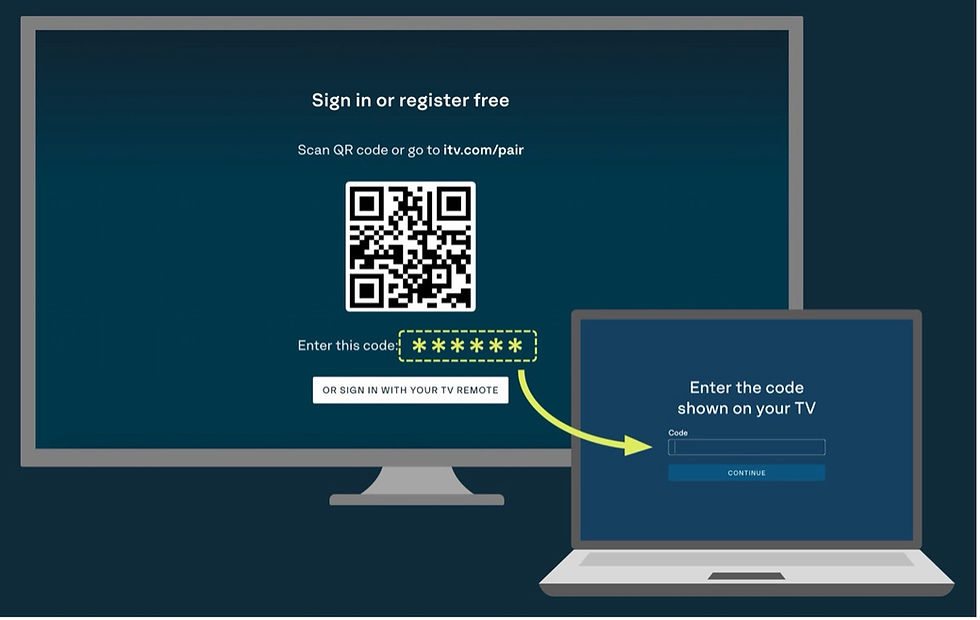
Gift your time along with the device by helping them set it up. Many devices end up unused because setup hurdles—like finding the Wi-Fi password or scanning a QR code for instructions—become roadblocks. Take care of this step to ensure a smooth start.
4. Simplify the Experience
Make the device as intuitive as possible. Remove unnecessary apps and features that don’t align with its intended purpose. A clutter-free screen reduces confusion and minimises the chance of errors.
5. Provide Guidance
Once the device is ready, practice together. Make a test call or explore its features while encouraging the recipient to take notes. Written reminders are invaluable for building confidence in the early stages.
6. Check In
In January, follow up with the recipient. Ask how they’re getting along with the device, and sit together while they demonstrate how they’ve been using it. This reinforces learning and shows your ongoing support.
7. Revisit Monthly
Regularly check in to ensure the device is still meeting their needs and working properly. If everything is going well, consider introducing a new feature or use for the device. Gradually expanding its purpose keeps it engaging and relevant.
Many devices end up unused because of the feeling of being overwhelmed and setup hurdles—little things like finding the Wi-Fi password or scanning a QR code for instructions—become roadblocks. Take care of this step to ensure a smooth start.
Technology has so many benefits to the older generations - let help them embrace it!


Comments